
The site story, written while it's happening
Technicians capture what happened, what's needed and what's next — with photos, signatures and structured fields the office can actually use.
- Fewer disputes
- Better compliance
- Faster follow-up work
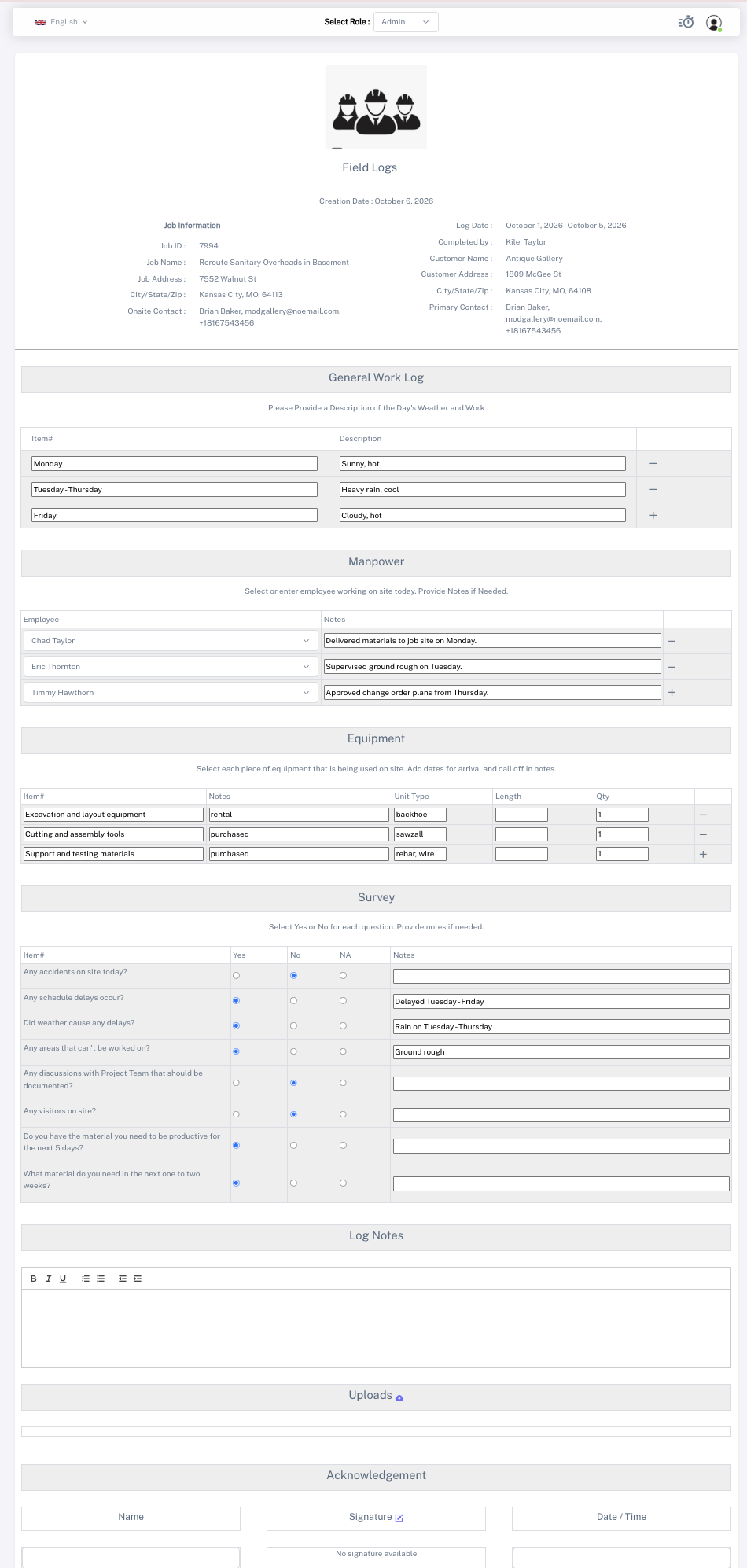
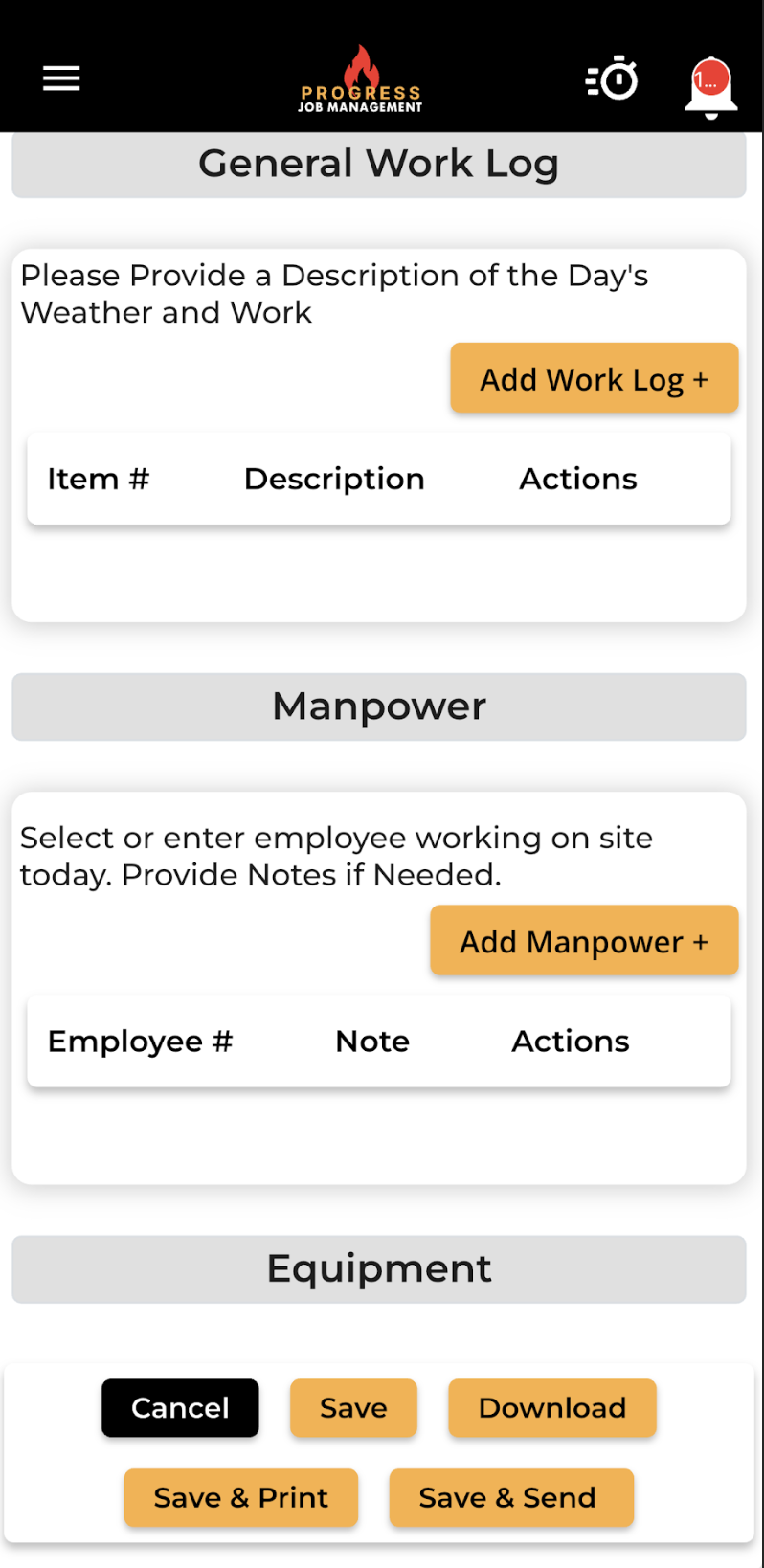
Stay informed without stepping on site
Record notes on work progress, crew, equipment and delays, then attach photos and files for even more insight into how a job is progressing.
Reports land in the office the moment they're submitted, timestamped against the job and the technician.
- Progress, crew, equipment and delay notes
- Photos and files attached to the report
- Timestamped and searchable
- Instant office visibility
What it changes for the business
The operational and financial difference contractors see once this is running.
Fewer disputes
Timestamped notes, photos and signatures document what happened on site, giving your team a clear record when questions arise.
Better compliance
Structured reports keep required job details and supporting files together, making completed records easier to review and retrieve.
Faster follow-up work
Site notes and photos reach the office with the report, so your team can scope the next visit without chasing the technician.
Inside Field Reports
The parts of this module your team will touch every single day.
Structured capture
Consistent fields mean reports you can search, filter and report on.
Photos & signatures
Evidence attached to the job, timestamped and stored.
Instant office visibility
Reports land the moment they're submitted.
Where this fits in the job lifecycle
Information moves in one direction — forward — with no re-entry between stages.
- Step 1
Customer
Request captured
- Step 2
Estimate
Scope and price
- Step 3
Job
Scheduled and dispatched
- Step 4
Field Reports
Where this feature works
- Step 5
Invoice
Billed from real data
- Step 6
Reporting
Margin visible
Frequently asked questions
Still unsure? A 30-minute demo answers most of it.
Run Field Reports on your next job.
Book a live demo with someone with someone who has actually run jobs.