
One platform.
Every job, connected.
Progress is the operating system for modern trade businesses — a single connected workspace where customers, estimates, schedules, crews, invoices, and reporting all move as one.
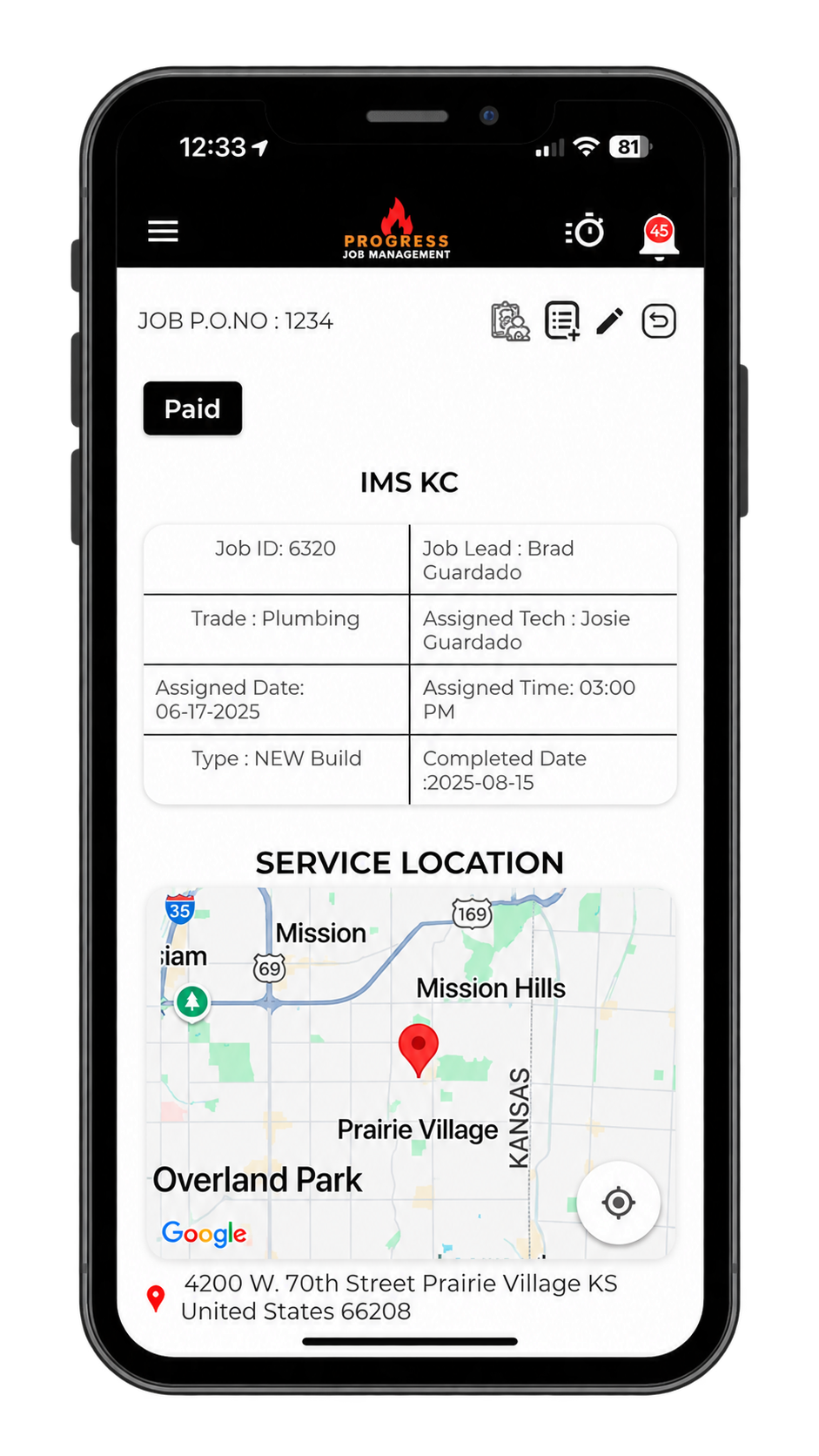
Four pillars. One connected system.
Progress replaces four to six disconnected tools with a single workspace built for trade contractors — not repurposed CRM or dispatch software.
Customer intelligence
Centralised customer records with sites, contacts, credit holds, and full job history.
Job & bid execution
Residential jobs and commercial bid workflows in one place — change orders included.
Office ↔ field sync
Real-time updates between dispatch and crews. Nothing sits on a clipboard.
Money in motion
Estimates, invoices, payment applications, and QuickBooks sync — all connected.
Three connected motions. Zero re-entry.
Every action anywhere in Progress updates every screen everywhere — instantly.
Capture every opportunity
Leads, calls, and referrals land in one CRM. Sites, contacts, and job history stay tied to every customer forever.
Turn work into cashflow
Estimates become jobs. Jobs become invoices. Bid jobs generate payment applications and lien waivers automatically.
Run the field in real time
Dispatch crews, track trucks and equipment, capture time and photos from mobile — office sees it the second it happens.
One job. Nine steps. Zero handoffs lost.
Every stage of the lifecycle updates the next automatically. Watch information move.
- EstimateStep 01
- ApprovalStep 02
- Job CreationStep 03
- SchedulingStep 04
- DispatchStep 05
- TechnicianStep 06
- Time TrackingStep 07
- InvoiceStep 08
- ReportingStep 09
The bridge between your desk and the job site.
Dispatch, updates, photos, signatures, and time — all flowing both directions, live. No radios. No paper. No "I'll send it later."
- Schedule crews & trucks
- Send digital purchase orders
- Approve time & billing
- Push job updates instantly
- Access job details & files
- Clock in against jobs & codes
- Capture photos & signatures
- Submit field reports on mobile
Built for every seat in the company.
Every role sees exactly what they need — and nothing they don't. Admins configure permissions per user.
Office Staff
Quotes, invoices, customer records
- Draft estimates & invoices in seconds
- Sync customers & payments to QuickBooks
- Manage credit holds & job status
Dispatchers
Scheduling & crew allocation
- Drag-and-drop calendar for crews & trucks
- Live GPS on tools, trailers & vehicles
- Push updates to techs instantly
Project Managers
Bid jobs, change orders, margin
- Full bid workflow with G702/G703 pay apps
- Change orders billed — never missed
- Actual vs. estimated cost, live
Technicians
Mobile-first execution
- Job details, navigation & work orders
- One-tap clock-in against jobs & codes
- Photos, notes & signatures from phone
Owners
Growth, margin, visibility
- Live P&L per job, per trade
- Trend reporting across every crew
- Flat pricing — scale without a tax
Everything you need. Nothing bolted on.
CRM
Centralised customer data — addresses, contacts, notes, documents, credit holds, and full job history.
Scheduling
Drag-and-drop calendar for jobs, bids, tasks, and appointments. Keeps every crew on track.
Jobs
Manage residential jobs end-to-end with mobile access to details, navigation, and work orders.
Bid Jobs
Commercial workflow with change orders, work orders, and G702/G703-style progress billing.
Purchase Orders
Send digital POs to techs from anywhere. Eliminate lost receipts and untracked spend.
Time Tracking
One-tap clock in/out against jobs, tasks, and cost codes. Sync approved time to payroll.
Reporting
Custom reports by trade, tech, job, or status. Track profitability and actuals vs. estimates.
Field Reports
Capture progress, crew, equipment, delays, photos, and files — right from the site.
Integrations
QuickBooks, Sage, Square, Swipe, Digital Matter GPS, KORE. No double entry, no bolt-on fees.
Mobile App
The full workflow in a pocket. English & Spanish, offline-ready, purpose-built for the field.
Book your live Progress demo.
20 minutes with a product expert. Bring your toughest job — we'll show you how Progress runs it end-to-end.