
The whole business, in the tech's pocket
Schedule, job details, customer history, time, materials, photos and reports — all on a mobile experience built for gloves and glare.
- Faster adoption
- Less paperwork
- Real-time visibility
The whole workflow, in the tech's pocket
Field techs access jobs quickly from their mobile device, making the workflow from field to office dramatically faster.
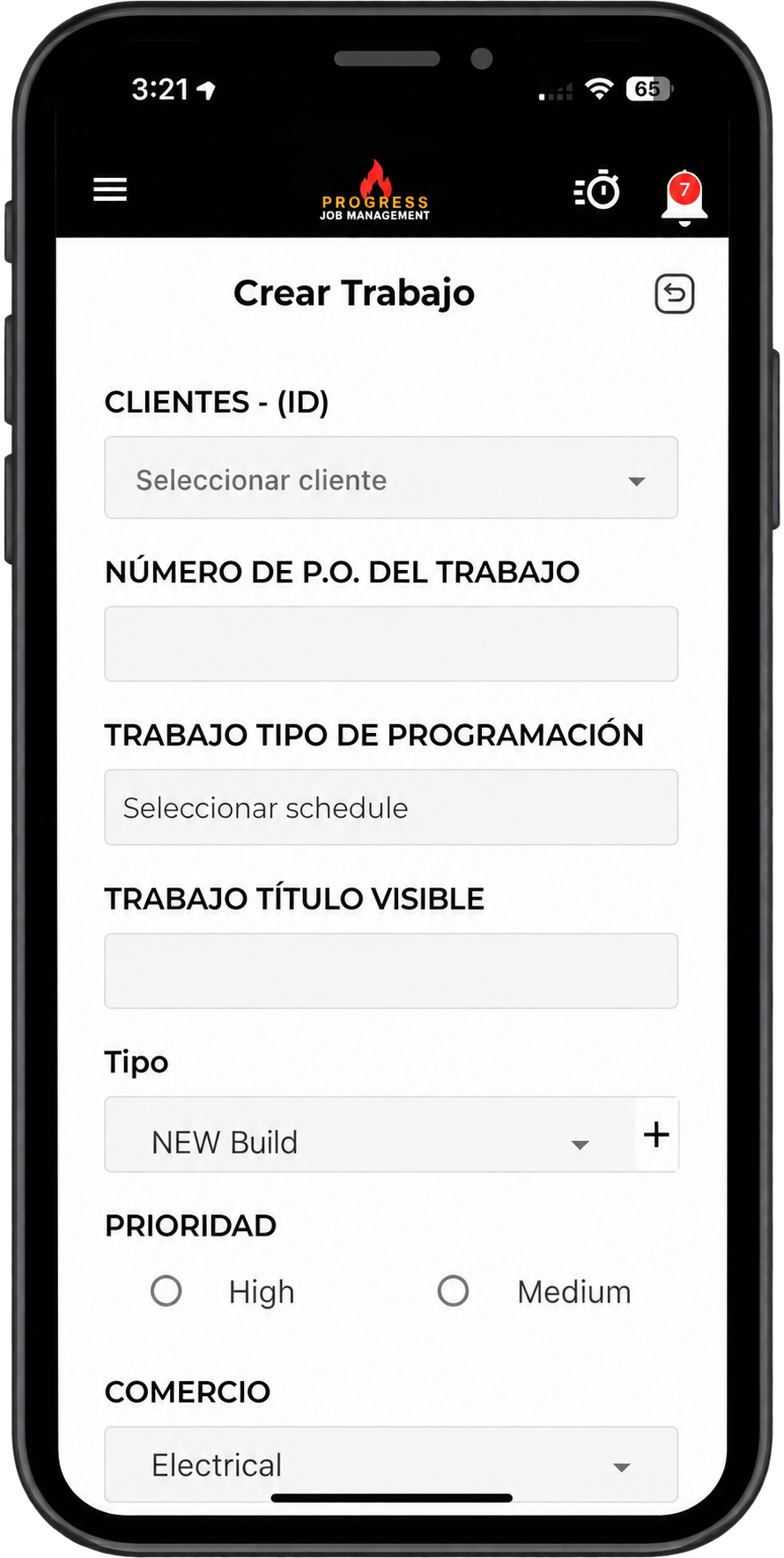
Content is available in English and Spanish, automatically displaying each crew member's preferred language — removing communication barriers on site.
- Jobs, navigation and work orders on mobile
- English and Spanish, per user
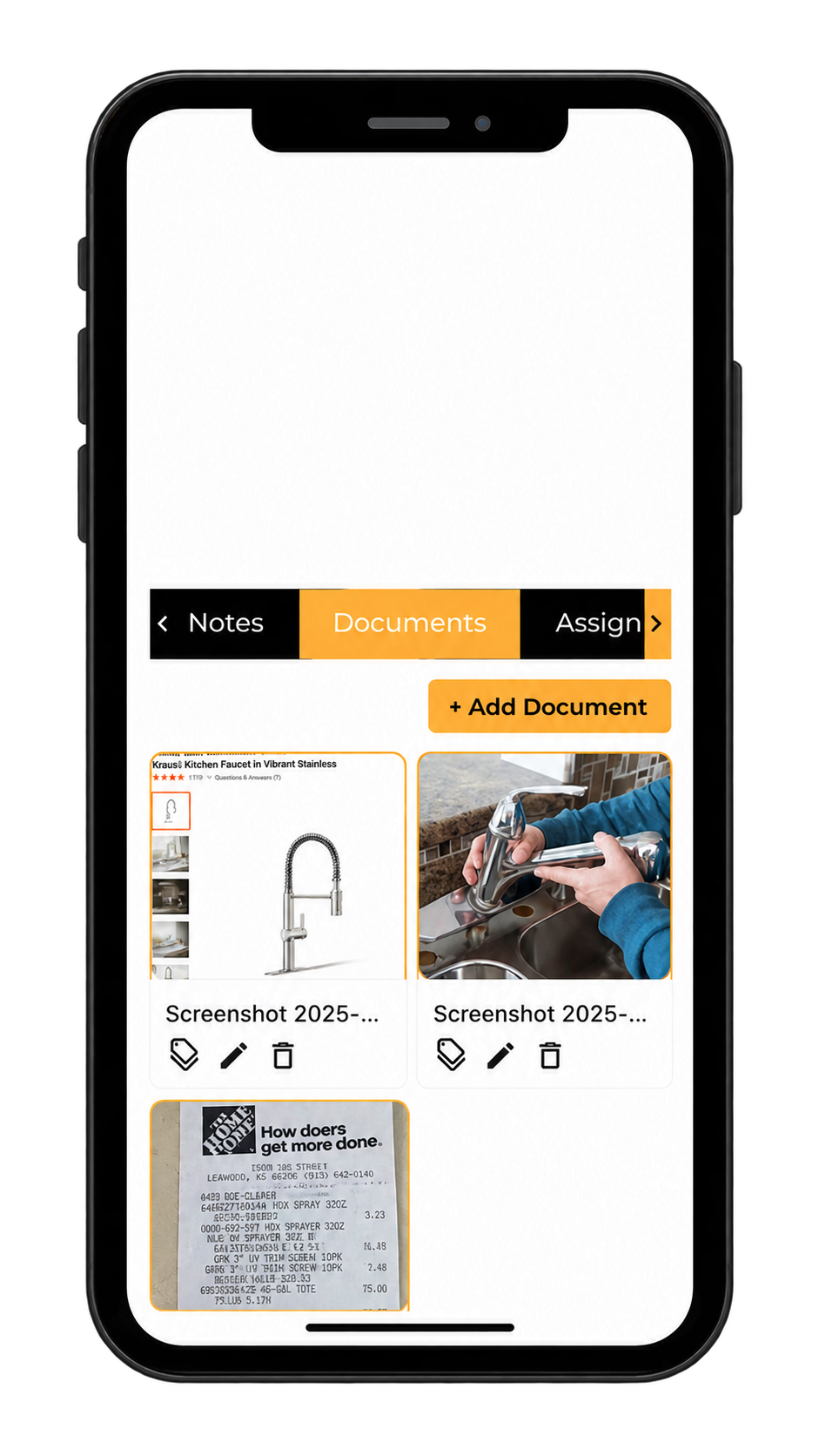
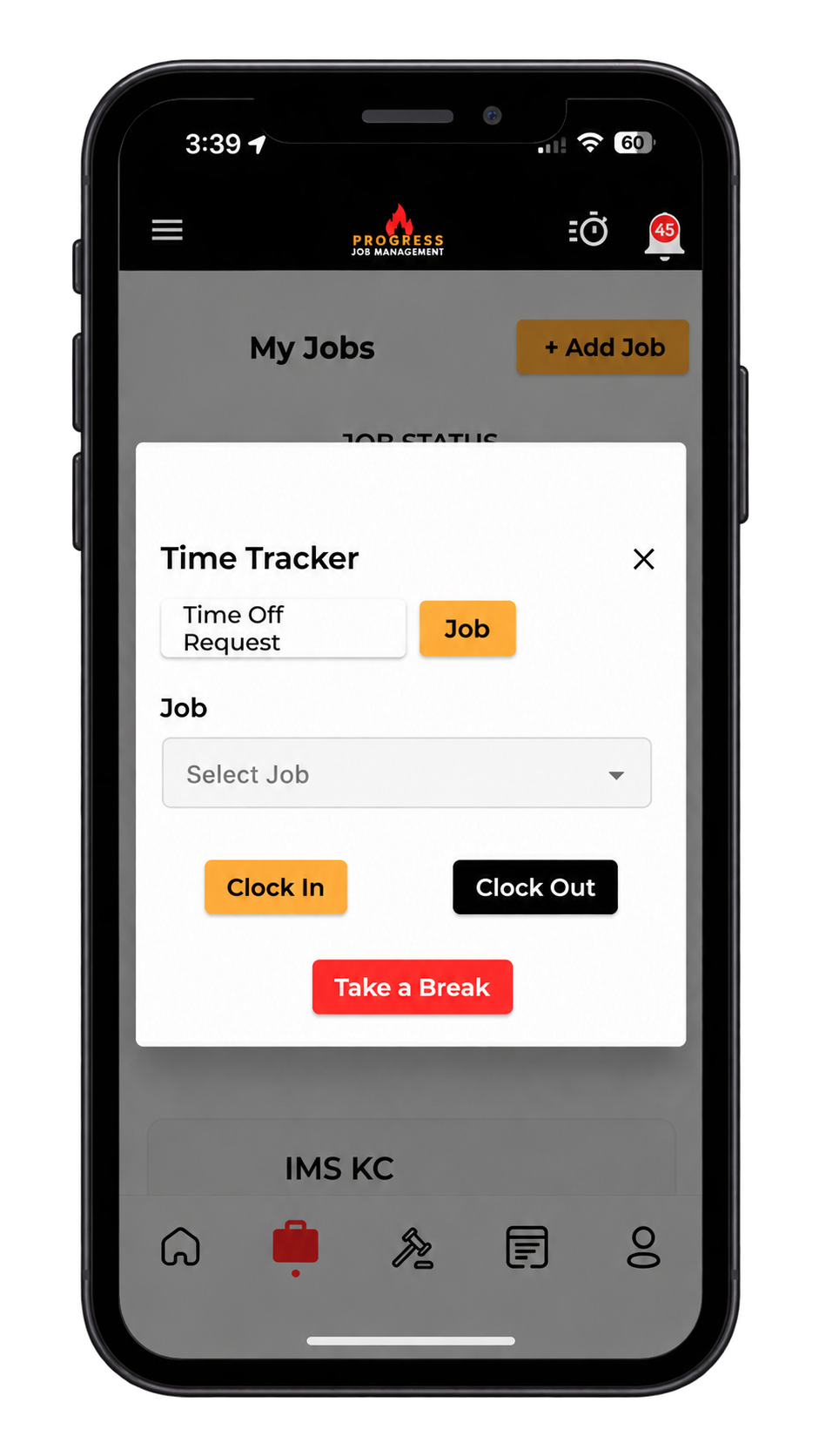
- Photos, time and reports captured on site
- Two-way sync with the office
What it changes for the business
The operational and financial difference contractors see once this is running.
Jobs and navigation in one tap
Technicians open their assigned job details and navigation from the app, so they can head to site without calling the office first.
English or Spanish, per user
Each crew member sees the app in their preferred language, making job information easier to follow without relying on a colleague to translate.
Time, photos and receipts
Capture clock-ins, job photos and receipts while on site so the office has a work record without chasing paperwork afterward.
Inside Mobile App
The parts of this module your team will touch every single day.
Built for the field
Big targets, simple flows, no training manual required.
Full job context
History, documents and site notes available before they knock.
Two-way sync
What the tech does, the office sees — instantly.
Where this fits in the job lifecycle
Information moves in one direction — forward — with no re-entry between stages.
- Step 1
Customer
Request captured
- Step 2
Estimate
Scope and price
- Step 3
Job
Scheduled and dispatched
- Step 4
Mobile App
Where this feature works
- Step 5
Invoice
Billed from real data
- Step 6
Reporting
Margin visible
Frequently asked questions
Still unsure? A 30-minute demo answers most of it.
Run Mobile App on your next job.
Book a live demo with someone with someone who has actually run jobs.